
Teach Meight AI how you work
A Skill is a set of instructions you save once, so Meight AI handles a recurring task exactly the way your team wants — every time, with no need to re-explain.
Name
Description
Instruction
What is a Skill?
Think of a Skill as a saved instruction for the assistant. Instead of explaining a task every time, you write it down once — and Meight AI follows it whenever you apply the Skill.
Create a Skill
Settings → Automation → Skills
- 1
Open Settings, then Skills in the Automation group.
- 2
Click Create new to open the Create skill panel.
- 3
Enter a Name and a Description in the Details section.
- 4
Write the Instruction — or generate it with AI.
- 5
Click Save. The Skill appears in your list, ready to apply.
Or generate it with AI. In the Instruction section, click Generate with AI, describe what you want to achieve, optionally attach an example document, and Meight AI writes the instruction for you to review.
When I drop the weekly client sheet:· create one freight per row· map "Origin" → pickup, "Dest" → delivery· apply the client's payment terms· leave every freight as a draft to review
An Instruction is just plain language — write it your way.
Example Skills
A few Skills teams set up on day one. Start from one of these, or write your own.
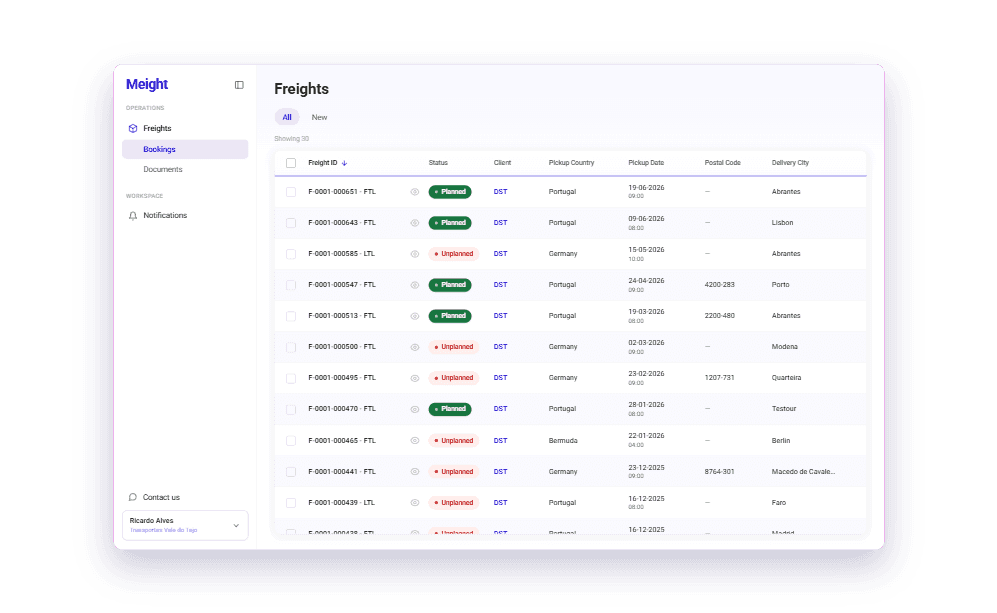
Import freights from a client sheet
Drop the weekly spreadsheet and the Skill drafts one freight per row — mapping columns to fields and applying the client's defaults, so all you do is review and save.
- Maps columns to freight fields
- Applies the client's payment terms
- Leaves every freight as a draft to review
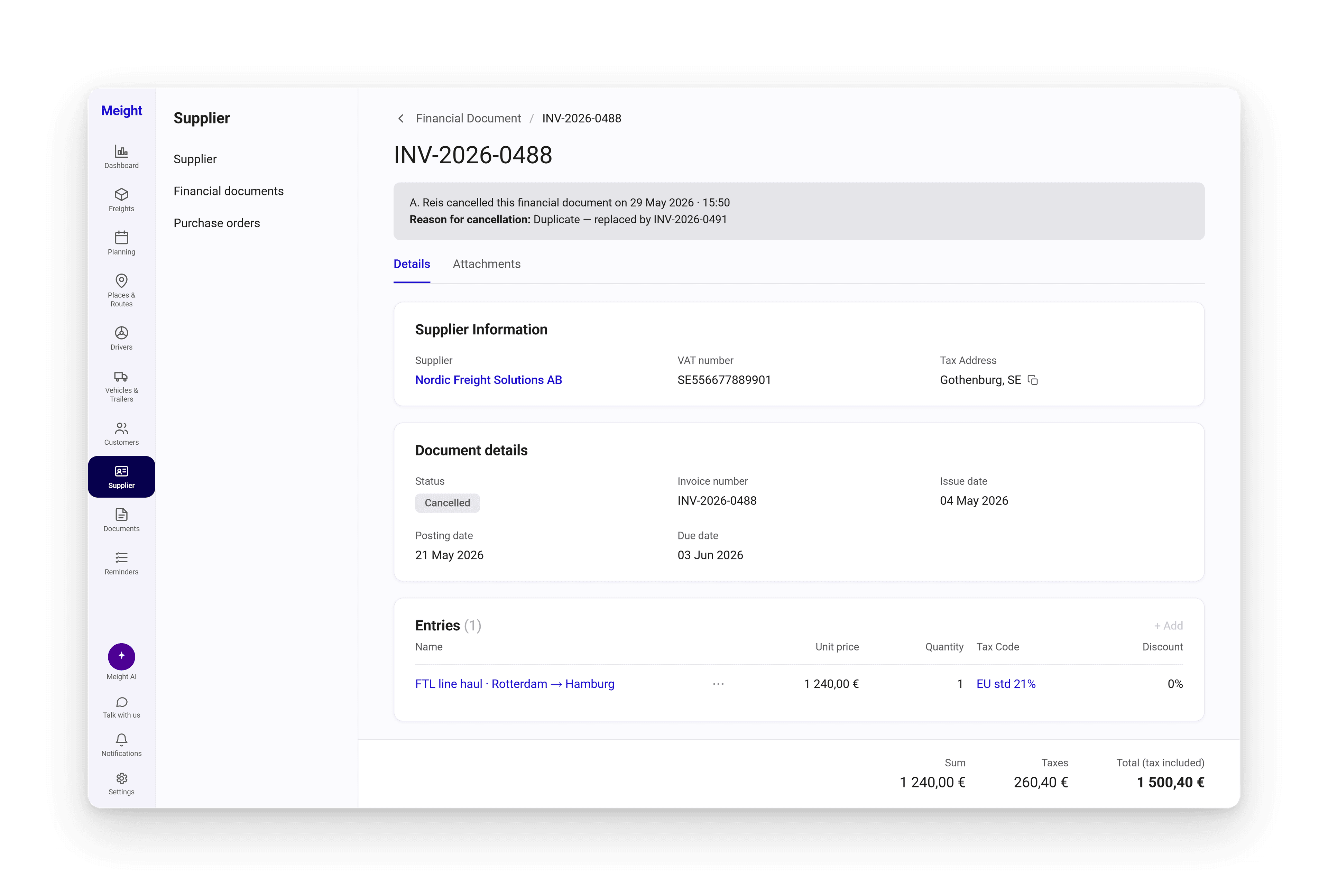
Reconcile supplier invoices
Point the Skill at a supplier document and it matches lines to the right purchase order, flags differences, and drafts the financial document following your finance rules.
- Matches lines to the purchase order
- Flags price or quantity differences
- Uses your tax codes and terms
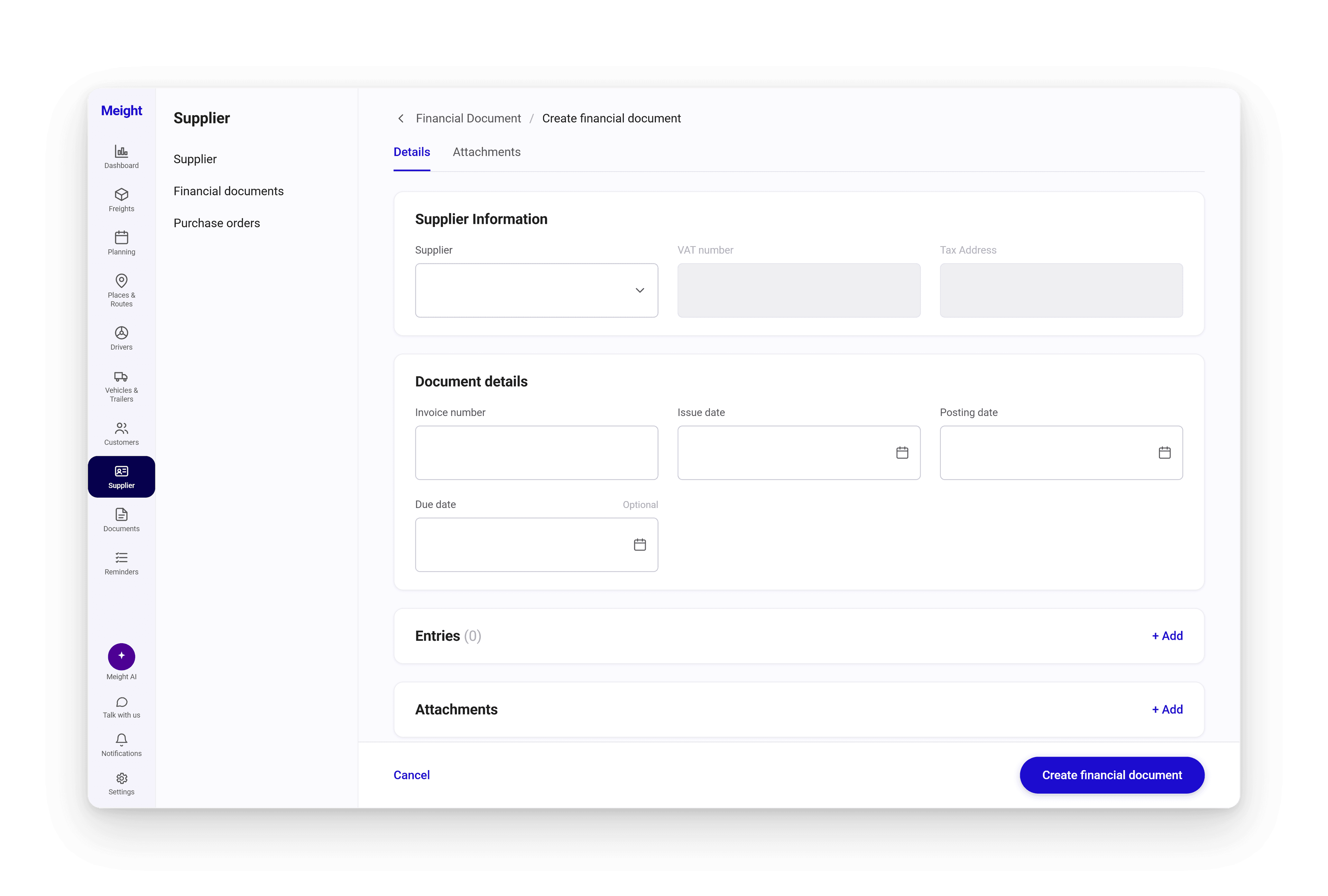
Add a fuel surcharge to a customer
Ask once and the Skill adds a 10% fuel incidence to every freight from a given customer — the kind of repetitive edit that used to mean opening each freight by hand.
- Applies to every matching freight
- Consistent — no freight missed
- Runs on demand, whenever you need it
More example skills
Freights
Import freights from a sheet
Turn each row of the weekly spreadsheet into a drafted freight.
Freights
Add a fuel surcharge
Add a 10% fuel incidence to every freight from a given customer.
Finance
Reconcile supplier invoices
Match supplier documents to purchase orders your way.
Finance
Standardise invoice entry
Read an invoice and fill fields with your tax codes and terms.
Dispatch
Book with preferred lanes
Create bookings using this customer's usual lanes and terms.
Dispatch
Update prices in bulk
Change the unit price across a set of freights in one go.